/
/

Reading Mode
Clean editorial style with drop caps, pull quotes, and refined typography
Explore the fundamentals of 3D printing, updated for 2026. Learn about FDM printing, materials, costs, and where to find 3D models in this comprehensive beginner's guide.
Join me as I share what I know about 3D printing and answer the burning question “What the heck is 3D printing?”
Welcome to TCoops Create! As a new maker diving into the world of 3D printing, I’ve been on an exciting journey of discovery, creativity, and learning. If you’re curious about 3D printing but aren’t sure where to start, this guide is for you. I’ll share my personal experiences, the resources I’ve found most helpful, and insights I’ve picked up along the way to help you get started.
At its core, 3D printing is the process of creating three-dimensional objects layer by layer from digital models. Whether you’re printing something practical, artistic, or experimental, 3D printing opens up a world of possibilities for anyone to become a Maker—the community-driven term for 3D printing enthusiasts and creators.

Here’s a simplified explanation of how FDM printers like mine operate:
One of the first things you’ll learn about 3D printing is materials — they vary in properties and purposes.
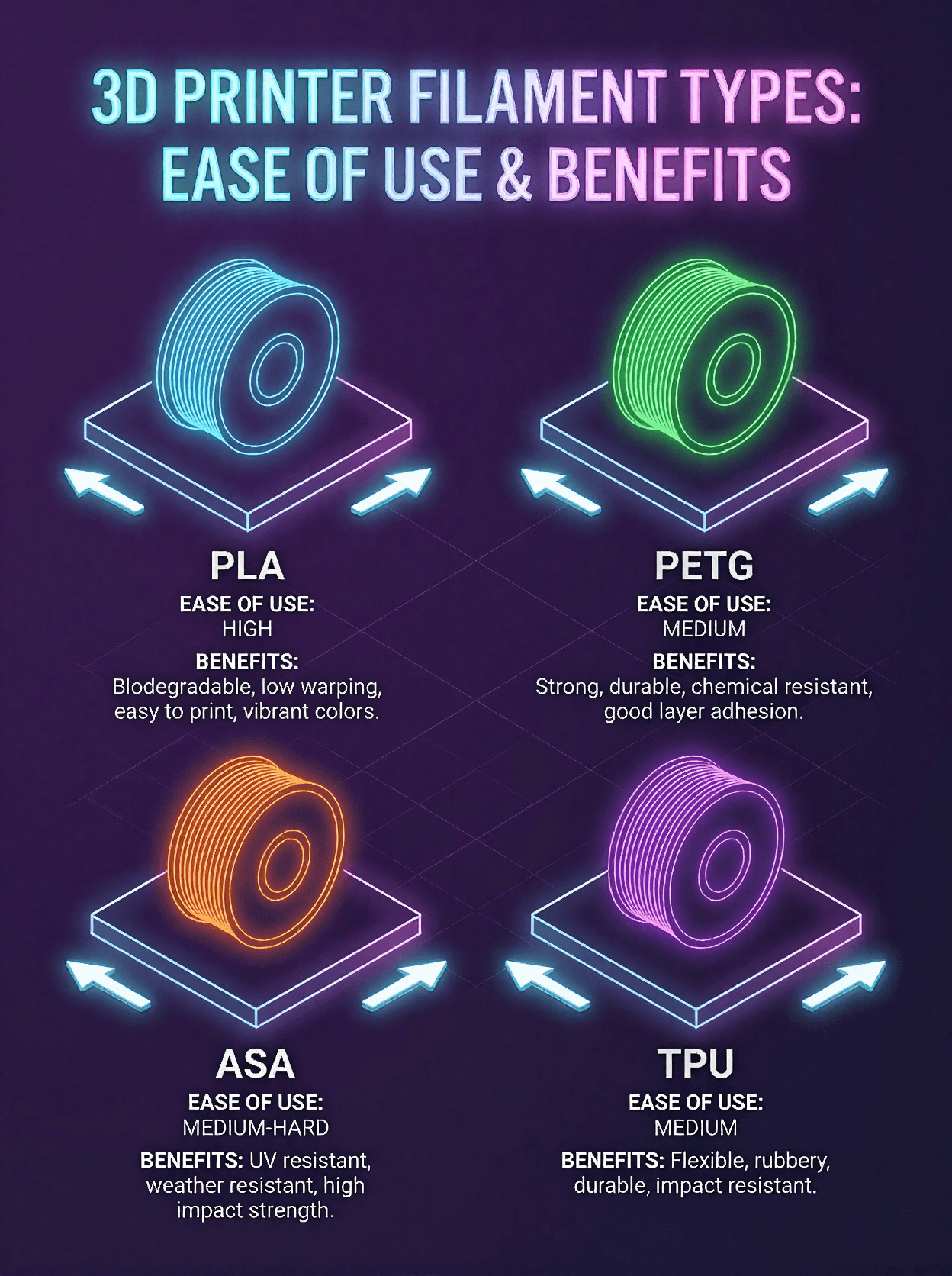
Click the diagram image here to see it larger!
There is a learning curve, but with curiosity and the right tools, it’s rewarding. Some printers — especially from Bambu Labs — include features that make the learning process easier for beginners. Understanding your slicer software (like Bambu Studio) is a huge part of getting consistent results from your prints.
There’s also a huge community of makers sharing tutorials, videos, and resources online that can help you improve quickly.
3D printers come in a wide range of brand and prices — from budget machines like the Bambu Lab A1 Mini for around $250, to more advanced printers like the Bambu Lab H2C series coming in at +$3,500 with a 7 nozzle swapping system! As a new maker, I started with the Bambu Lab X1 Carbon, which I highly recommend for its balance of reliability and features is unfortunately no longer available and the new modern equivalent is the Bambu Lab P1S series.

If you’re not ready to design your own models yet, (which let's be honest is not everyone's cup of tea) there are excellent online communities and libraries filled with free and paid models:
Most designs come in .stl or .3mf formats, and you’ll load these into your slicer to prepare them for printing.
The sky’s the limit! From functional tools to decorative art, nearly anything can be 3D printed — though more complex designs may require supports and thought around orientation and settings.
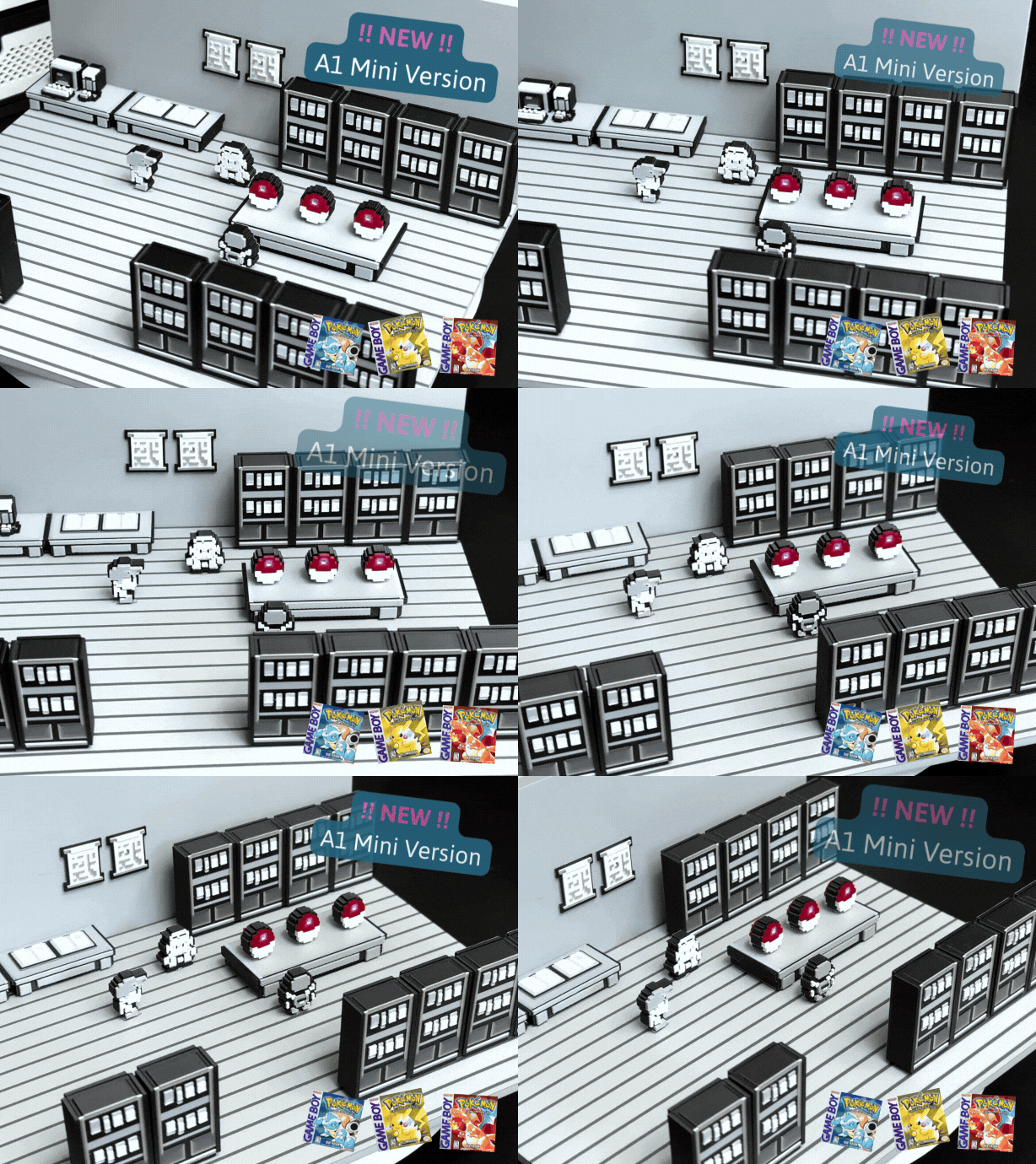
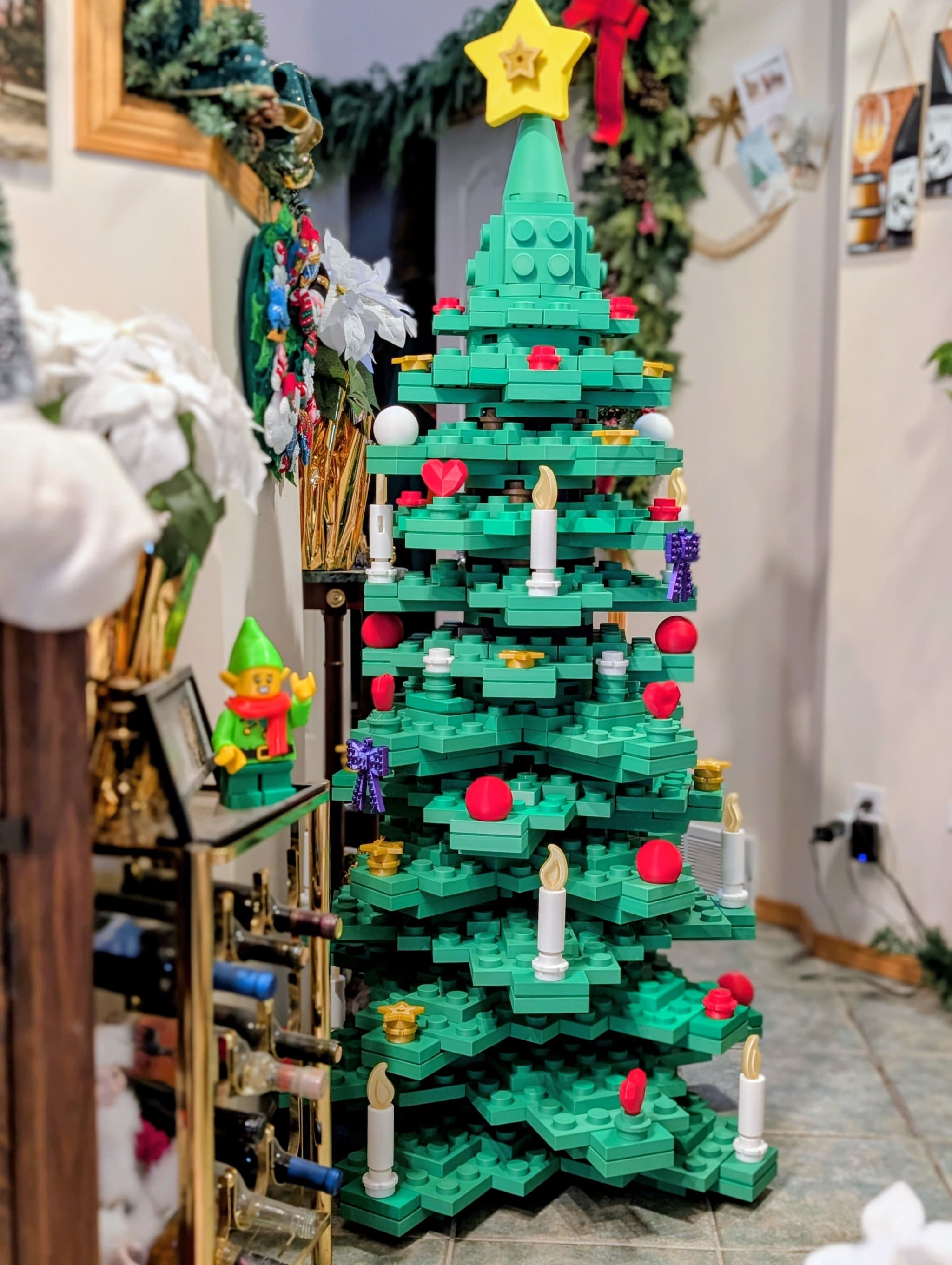
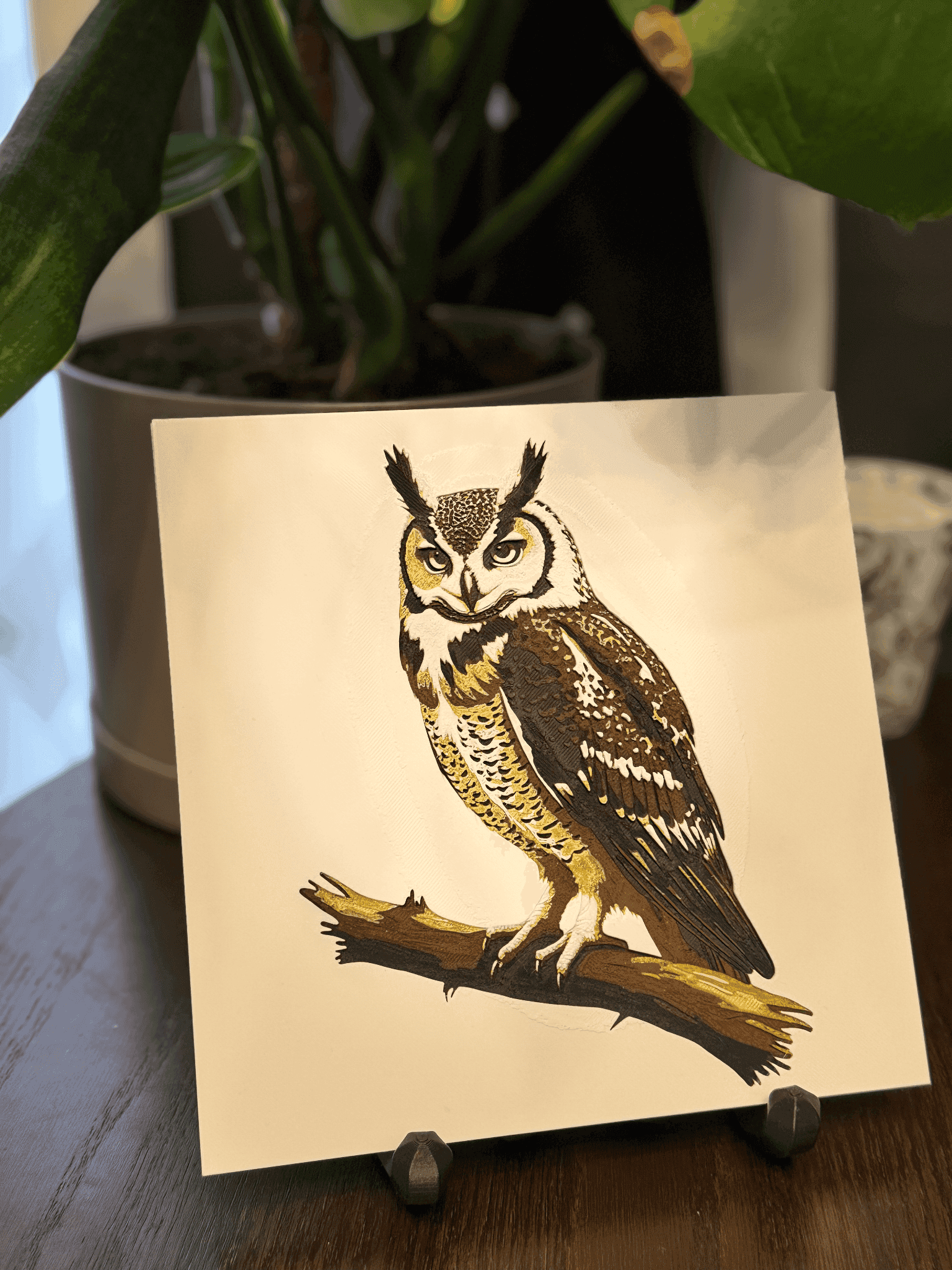
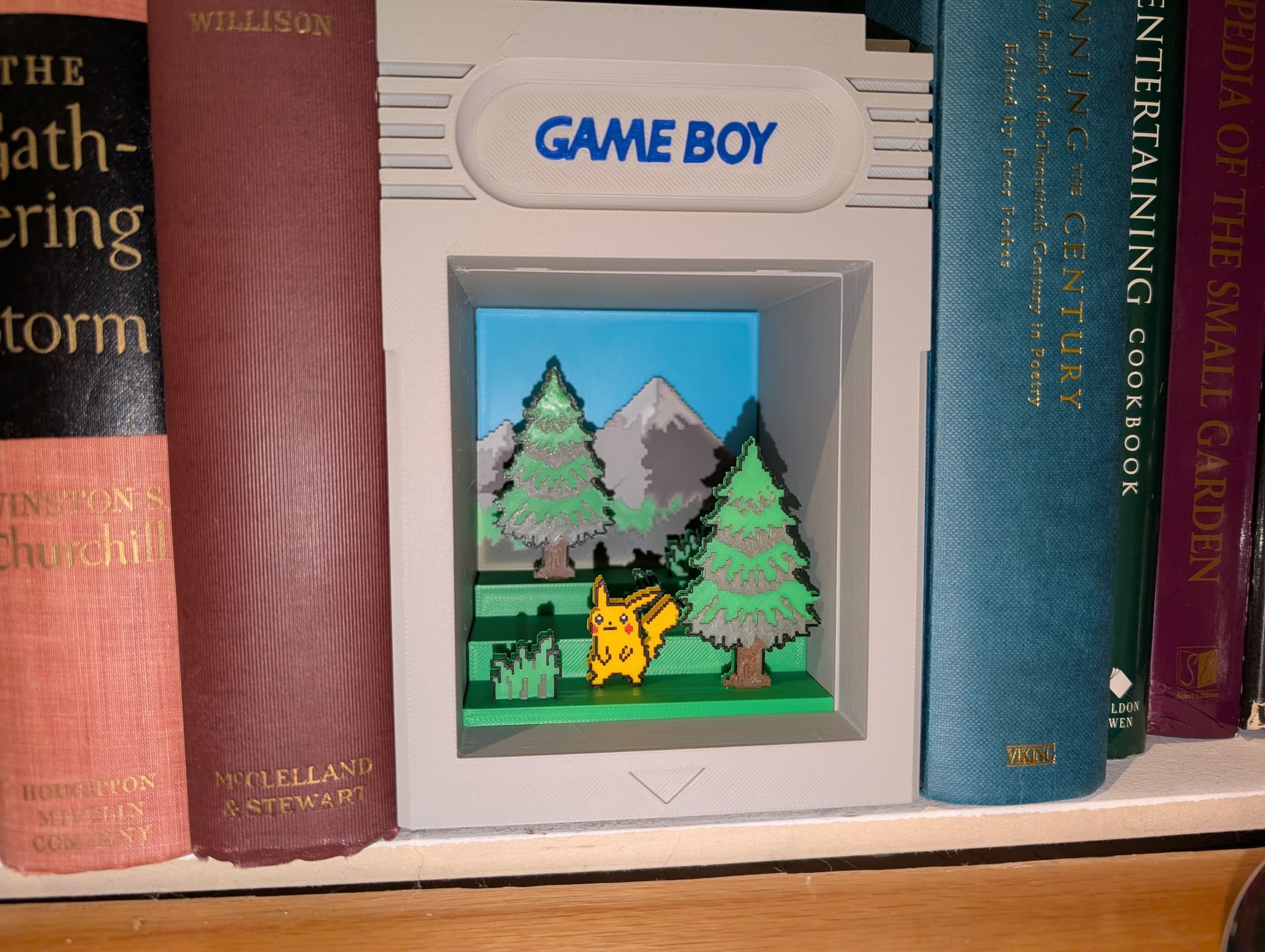
You can potentially sell your prints, but be cautious of copyright and licensing from the website you downloaded the files. Designs you didn’t create yourself may have license restrictions — always check before selling them.
Most platforms, including MakerWorld are excellent at being transparent with license types. If the platform you are thinking about using does not, consider doing a little extra research on them.
Always check the licensing of designs before selling prints. It's not just the law, it's the right thing to do to keep supporting the community.
3D printing blends technology with creativity. It has a learning curve, but it’s incredibly fulfilling to go from idea to physical object. I hope this guide gives you confidence to start your own journey — and stay tuned for more posts diving deeper into specific topics!
Happy Printing! — TCoops